August was one of our biggest product months yet.
We released 11 updates across quoting, scheduling, invoicing, reporting, and day-to-day operations. Each one is designed around the same goal: helping cleaning business owners spend less time managing software and more time running the business.
Here is everything that changed in Allison during August.
Turn more leads and quotes into scheduled jobs
1. Let customers approve quotes online
Customers can now approve a quote directly from the quote you send through Allison.
Once a customer approves, Allison marks the quote as accepted and sends your business a notification so your team knows the customer is ready to schedule. There is no need to wait for a reply, search through texts, or wonder whether the customer wants to move forward.
Quote Approval is optional, and you can customize the customer-facing quote before turning it on. Go to Settings > Messages > Job Quote to get started.
Learn how Quote Approvals work.

2. Send leads into Allison with Zapier
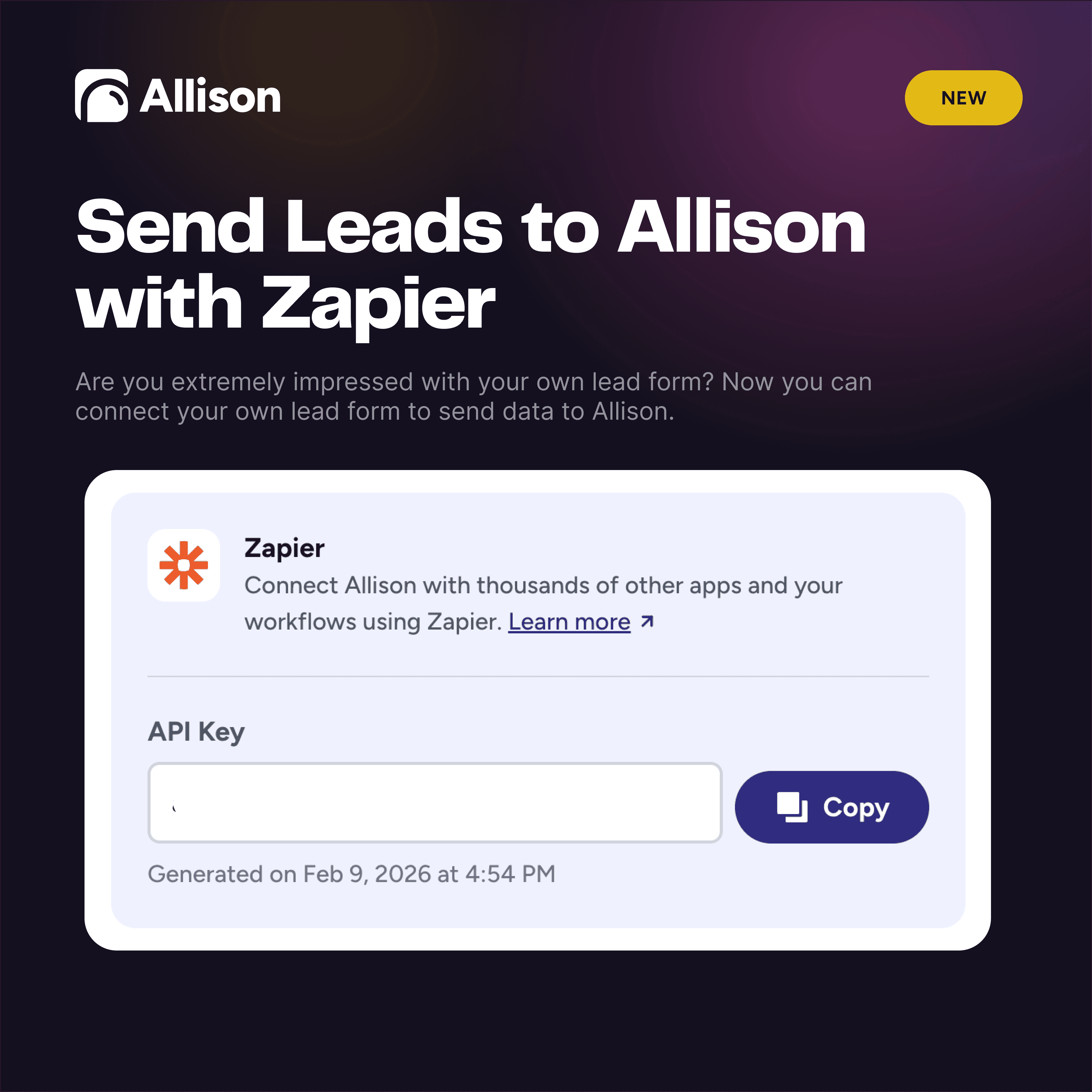
Zapier previously helped businesses send information from Allison to other platforms. In August, we opened the connection in the other direction.
If you already use a lead form you love, you can now connect it to Allison through Zapier. New submissions can arrive in Allison with the contact information and lead details your team needs to follow up and create a quote.
That means fewer copy-and-paste handoffs and a better chance of responding while the lead is still warm.
3. Quote the condition of a home with Dirt Code
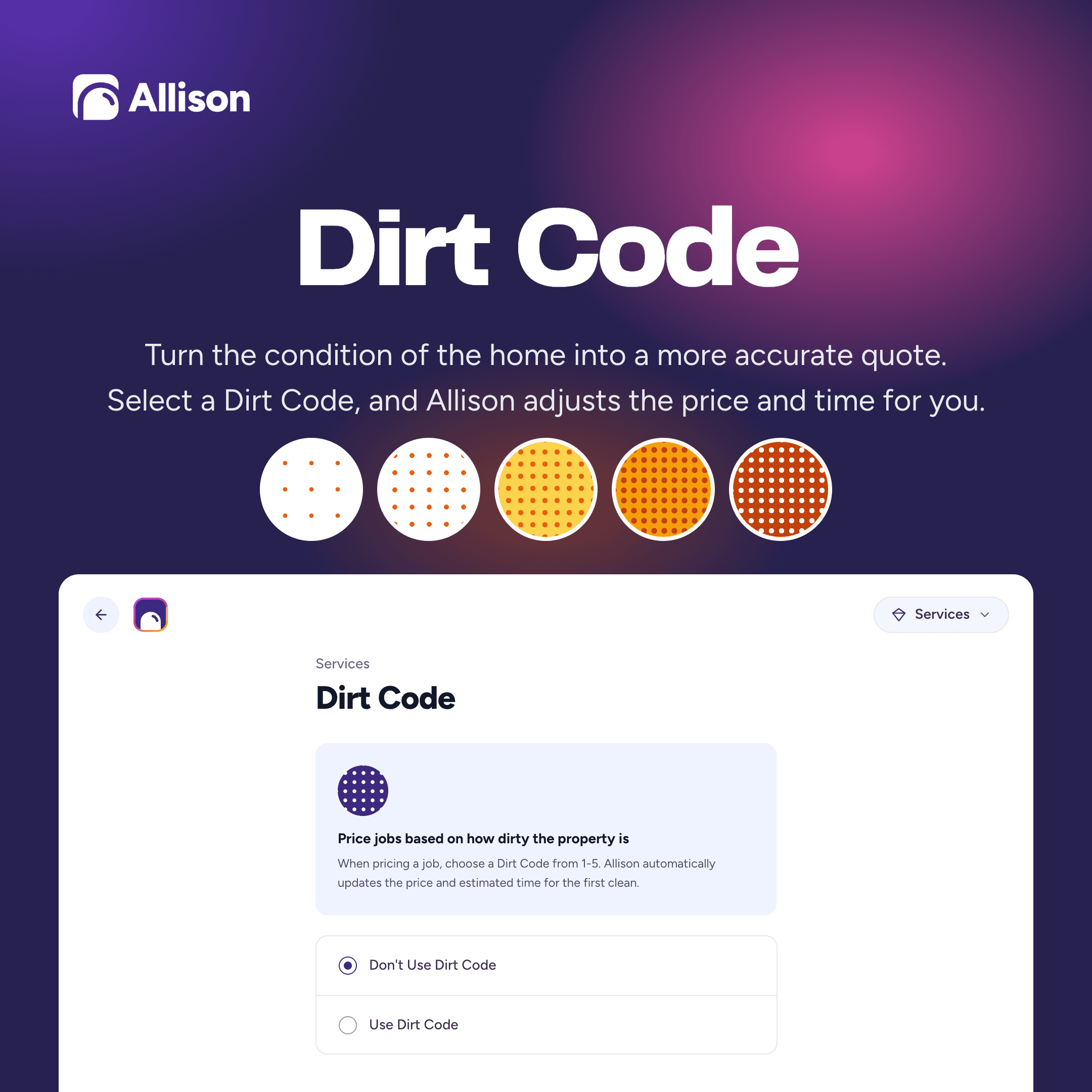
Square footage tells you how large a home is. It does not tell you how difficult it will be to clean.
Dirt Code adds a configurable 1-to-5 condition scale to your pricing process. You decide what each level means and how it affects the price, giving your team a more consistent way to account for the actual work involved.
It is especially useful when multiple people create quotes. Instead of relying entirely on individual judgment, everyone can work from the same pricing framework.
4. Hide old leads and quotes without losing their history
Not every lead or quote needs to remain in your active pipeline forever.
You can now hide old leads and quotes while keeping their history in Allison. This keeps the pipeline focused on opportunities that still need attention without forcing you to delete useful records.
Open the three-dot menu beside a lead or quote and select Hide. You can unhide it later if the opportunity becomes active again.
Manage the schedule with less friction
5. Reschedule jobs with drag and drop
Need to move a job? Drag it directly to a new date on the calendar instead of opening the job and manually changing its schedule.
We also added a Parking Lot for jobs that need to move but do not have a final destination yet. Park the job, move between calendar dates, then drag it onto the right day, time, and cleaner when you are ready.
This makes rescheduling faster, especially when you are trying to reorganize several jobs at once.
6. See more of the week with the updated calendar experience
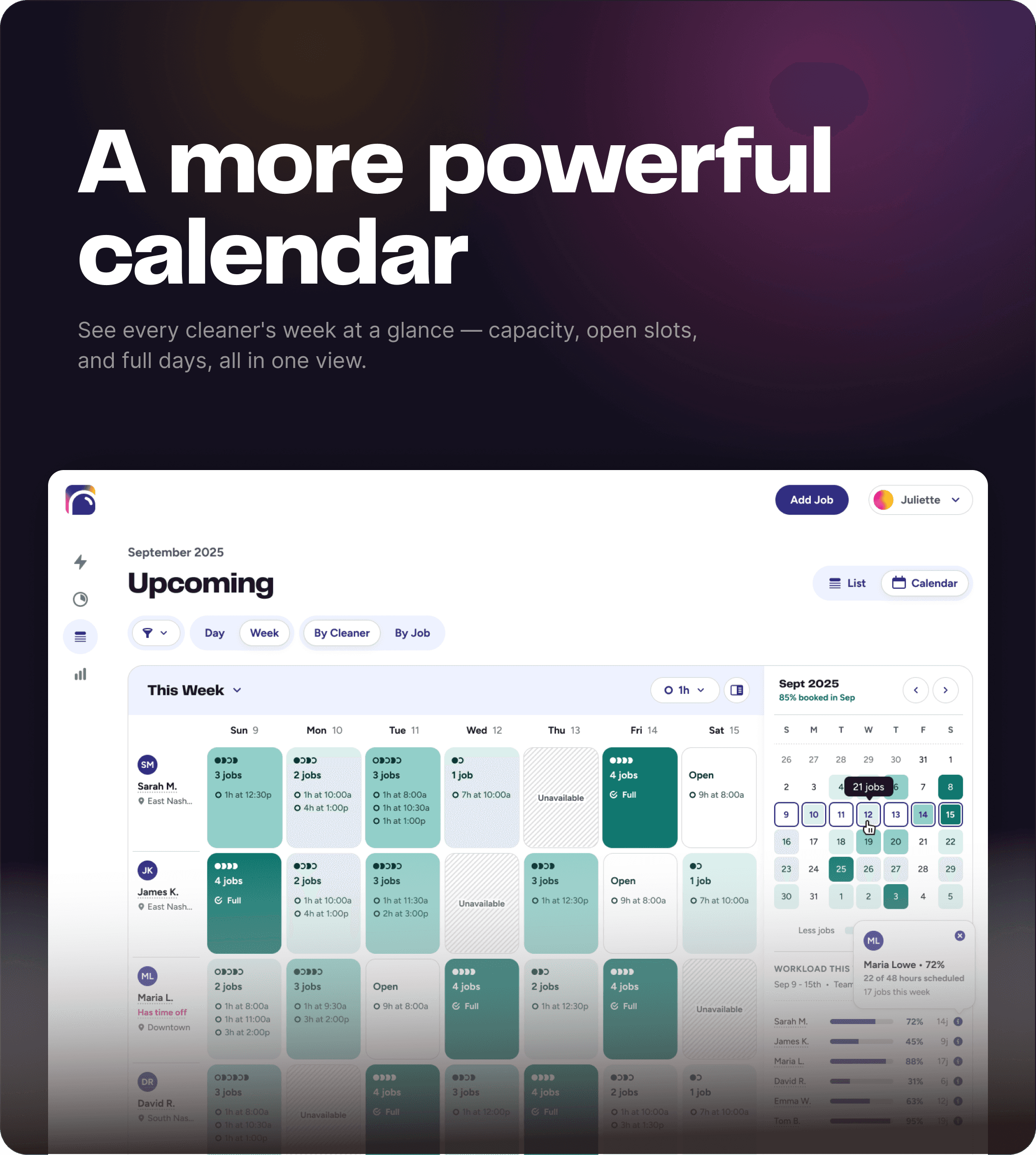
The Allison Calendar now offers more weekly views, more schedule data, and more control over how work is organized.
Owners and managers can get a clearer picture of jobs, cleaner assignments, availability, and the shape of the week without opening every job individually. The additional views make it easier to move between a high-level capacity check and the details required to make scheduling decisions.
7. Keep canceled and skipped jobs out of the way by default
Canceled and skipped jobs are now hidden by default on the Today and Upcoming screens.
The records are still available when you need them, but they no longer compete with active jobs for attention. Your operational views stay focused on the work that is actually happening.
8. Run multiple locations from one login
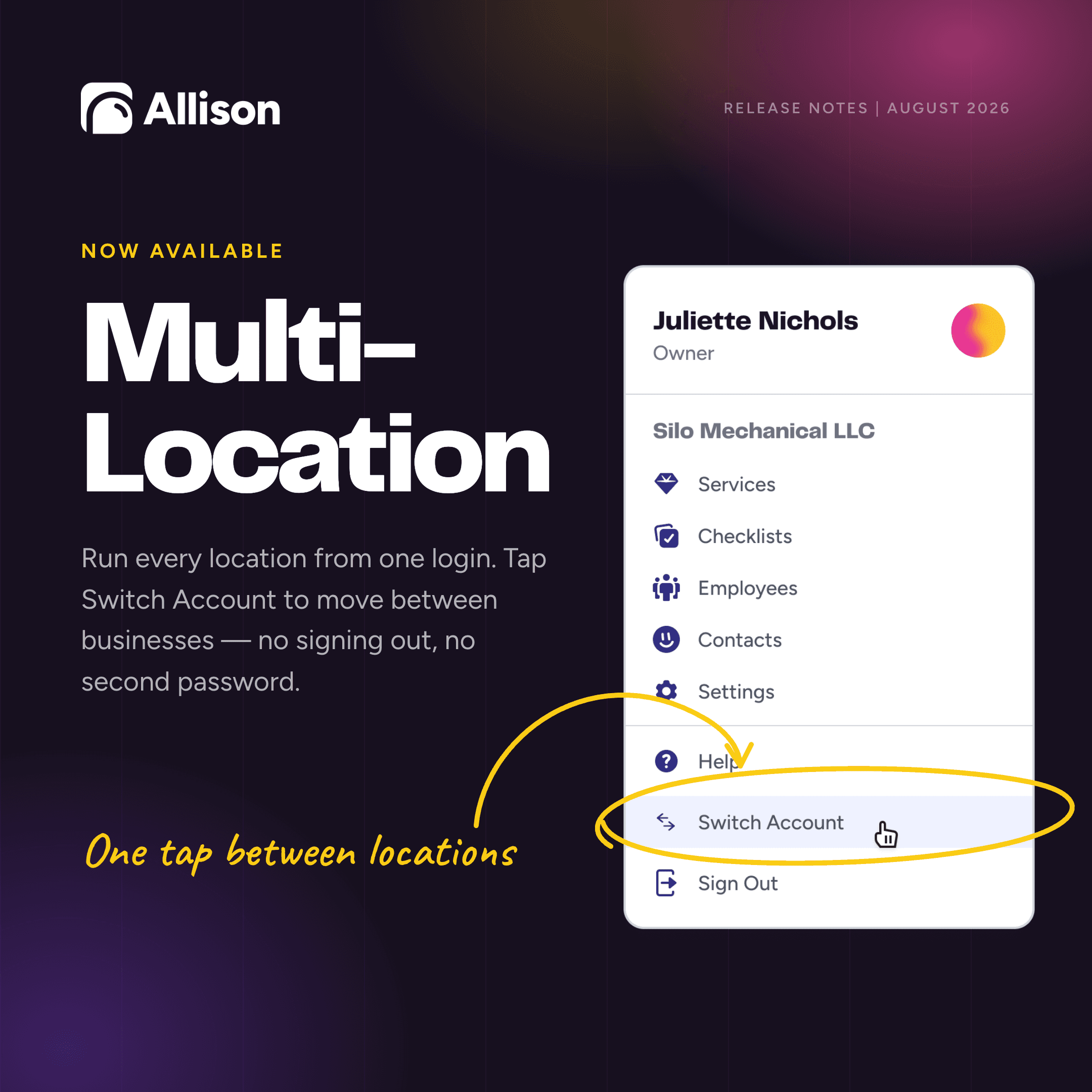
Multi-Location support lets growing cleaning businesses move between locations without signing out, juggling passwords, or managing disconnected workflows.
Each location can maintain its own operational context while owners and leaders can switch between them from a single Allison login. It is a simpler foundation for businesses expanding into new markets or managing multiple branches.
Protect revenue and understand the business
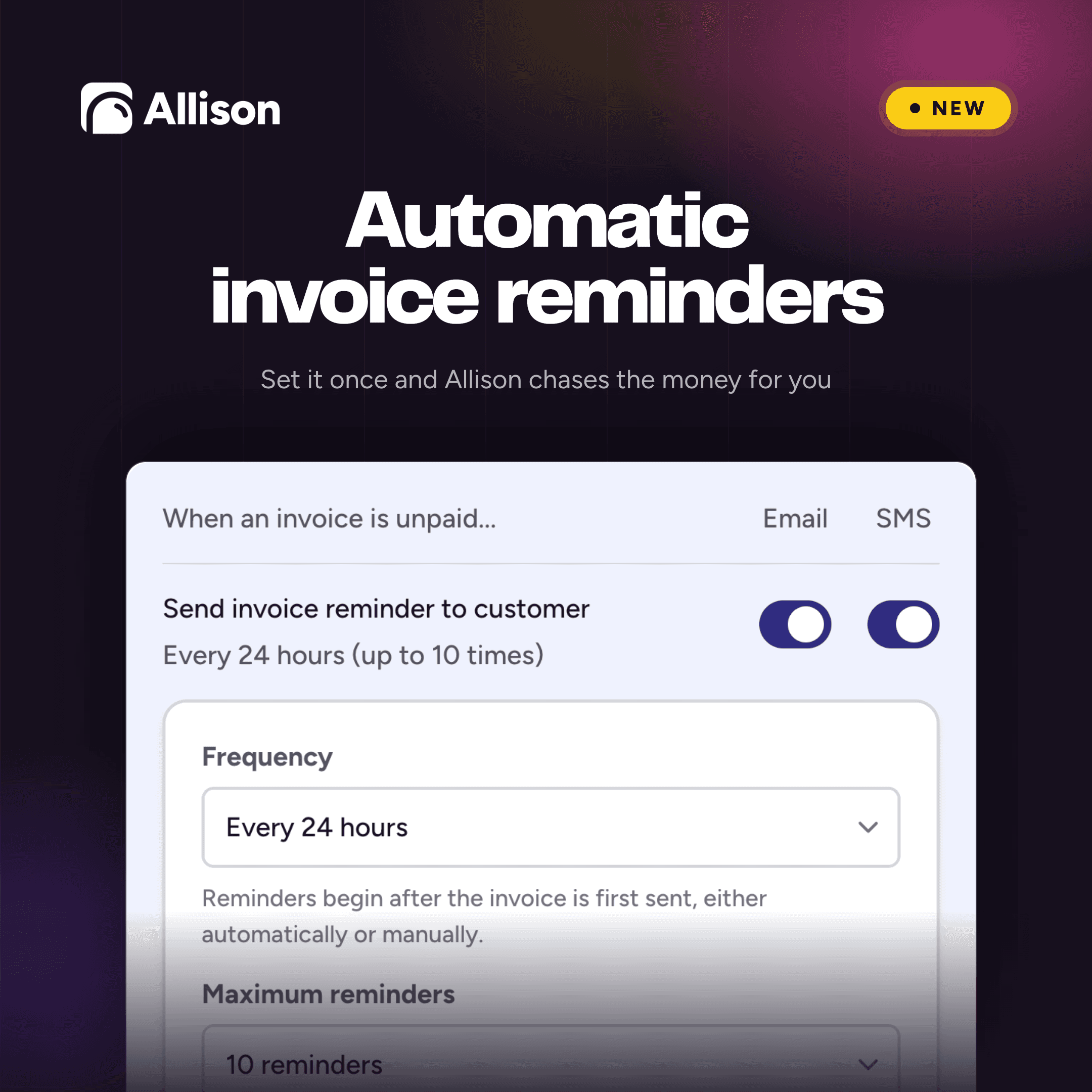
9. Automatically follow up on unpaid invoices
Chasing an unpaid invoice should not require a recurring reminder on your own task list.
Automatic Invoice Reminders let you choose how often Allison follows up and how many reminders it sends. You can use a 24-hour, 48-hour, or custom interval, then cap the sequence at three, five, or up to ten reminders.
Reminders begin only after the original invoice has been sent. Once that happens, Allison can handle the follow-up until the invoice is paid or the sequence reaches its limit.
10. See canceled and skipped work in one report
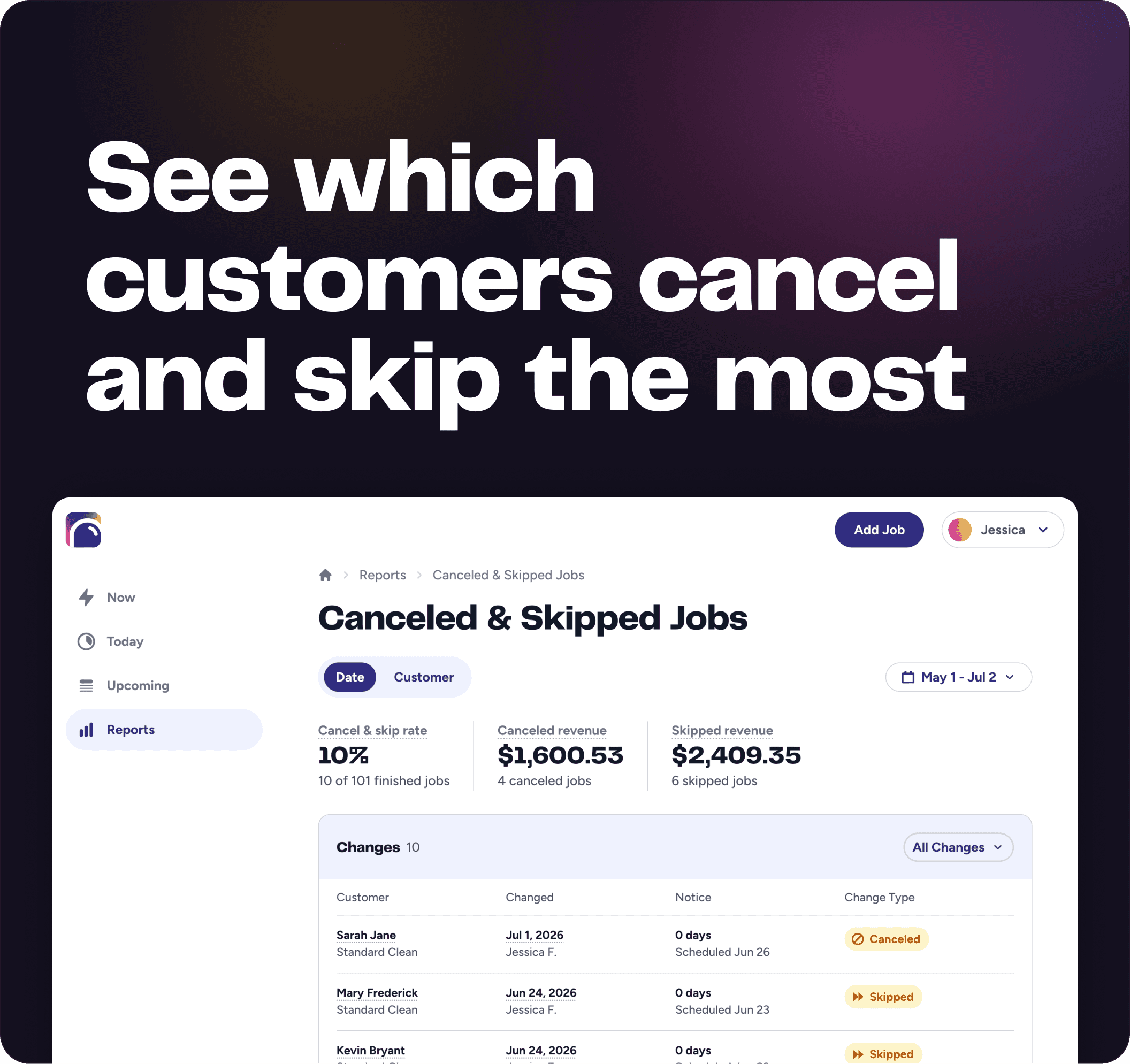
A canceled job is more than an empty spot on the calendar. It can be an early sign that a recurring customer is slipping away.
The new Canceled & Skipped Jobs report gives you one place to see which jobs fell off the schedule and how often individual customers are canceling or skipping service.
That creates a clearer view of lost work, customer behavior, and recurring revenue that may be at risk. Instead of discovering a pattern after a customer has disappeared, your team can identify it sooner and decide whether to follow up.
11. Price hourly services by labor hours
Hourly services can now use either Job Duration or Labor Hours as their time basis.
Job Duration is the elapsed time from the beginning of a job to the end. Labor Hours are the combined time worked by every assigned cleaner. For example, if three cleaners spend two hours at a home, the job duration is two hours and the total labor time is six hours.
Businesses that charge for the combined labor delivered can now calculate the price accurately without distorting the duration shown on the schedule.
Eleven updates, one simpler operating system
Individually, each August update removes a point of friction. Together, they make Allison a more complete operating system for quoting, scheduling, communicating, getting paid, and managing a cleaning team.
All 11 updates are available now.
Request a demo to see Allison in action.
What is coming next
We are already working on the next round of improvements, including:
Two-way messaging with customers and cleaners
Drive time and mileage data within payroll reporting
More Allison MCP tools
We are grateful to every cleaning business that shares feedback, tests new ideas, and trusts Allison to help run its operations. Many of these updates started with a customer telling us there had to be a better way.
Run your cleaning business like the owner you already are.
Book a Demo

See more practical cleaning advice in Google
Add Allison as a preferred source so our guides are more likely to appear in your Google results.